Digital signage shouldn't take a weekend
Most signage tools make you provision devices, build media libraries and wire up playlists before a single screen lights up. Here's why ChannelOS throws away the setup and keeps the power.
Traditional digital signage is genuinely powerful. It is also a weekend of setup before a single pixel lights up.
You provision a device. You install and license a media player. You build a media library, then playlists, then layouts, then zones, then user roles. Somewhere in week two, your café menu finally appears on the TV in the corner.
Most people don’t want a content-management system. They want “put this on that screen, now.” ChannelOS keeps the power and throws away the climb.
The climb nobody asked for
Walk through what a typical signage rollout asks of you before it does anything useful:
- Provision hardware — buy a certified media player, register it, license it per screen.
- Build a library — upload and tag every asset before you can use it.
- Wire up playlists — sequence assets by hand, then bind them to layouts and zones.
- Configure people — accounts, roles, permissions, approval chains.
Every one of those steps is a reasonable feature for a 500-screen retail network. Every one of them is a wall for the person who just wants today’s specials on the screen behind the till.
Power is fine. Friction is the enemy.
We didn’t build ChannelOS by removing capability. Channels, dayparting, live takeover, background removal, export/import — it’s all there. We built it by removing the order of operations. The power stays out of your way until you reach for it.
That’s the whole design thesis: calm by default, capable on demand. A first-time user should never meet a “media library” before they’ve seen their show on a screen. An advanced user should never hit a ceiling.
Three verbs, not thirty
ChannelOS collapses the entire workflow into three actions:
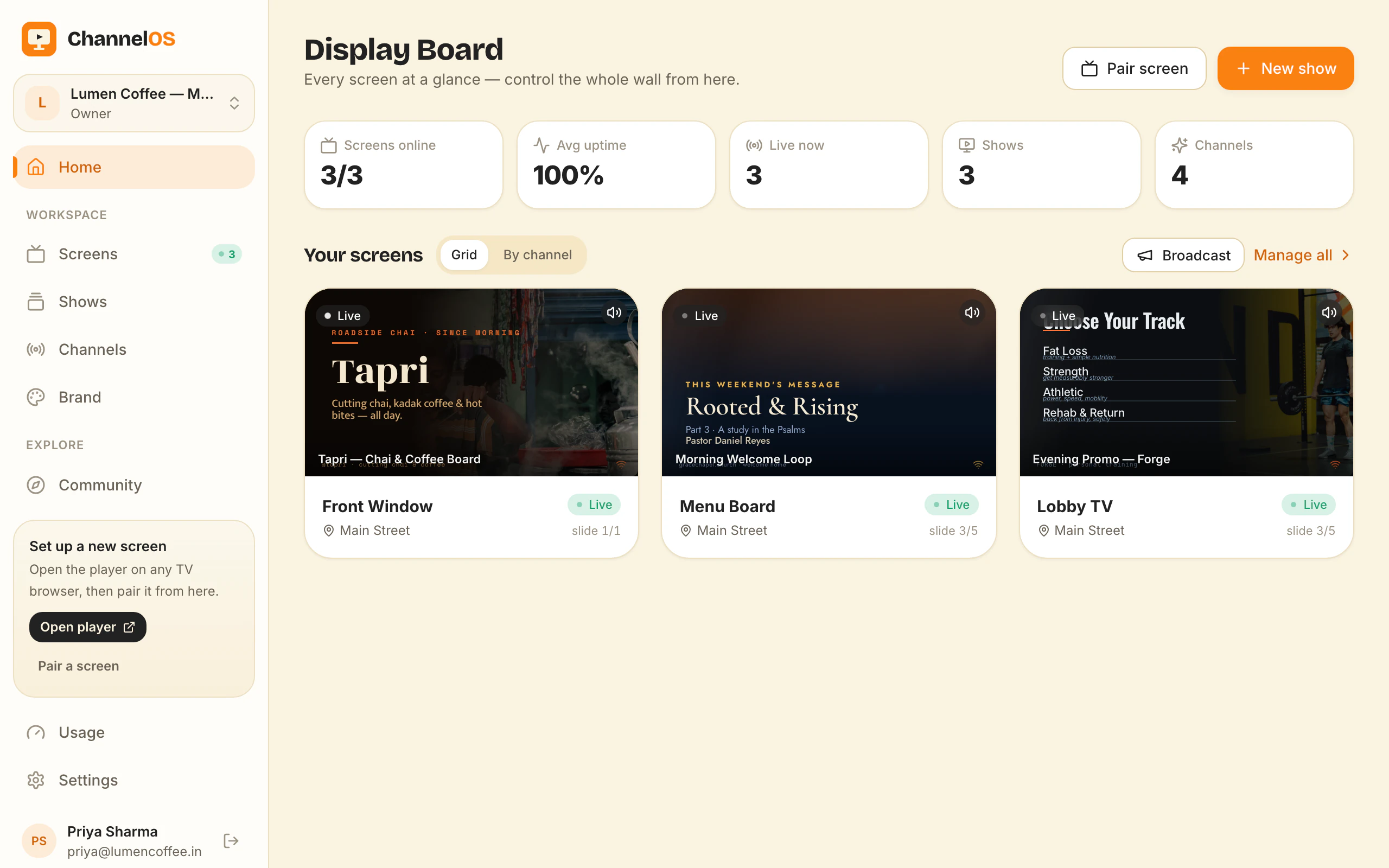
- Pair — open the player URL on any TV browser. It mints a screen and shows a code. Scan it from your phone. Done.
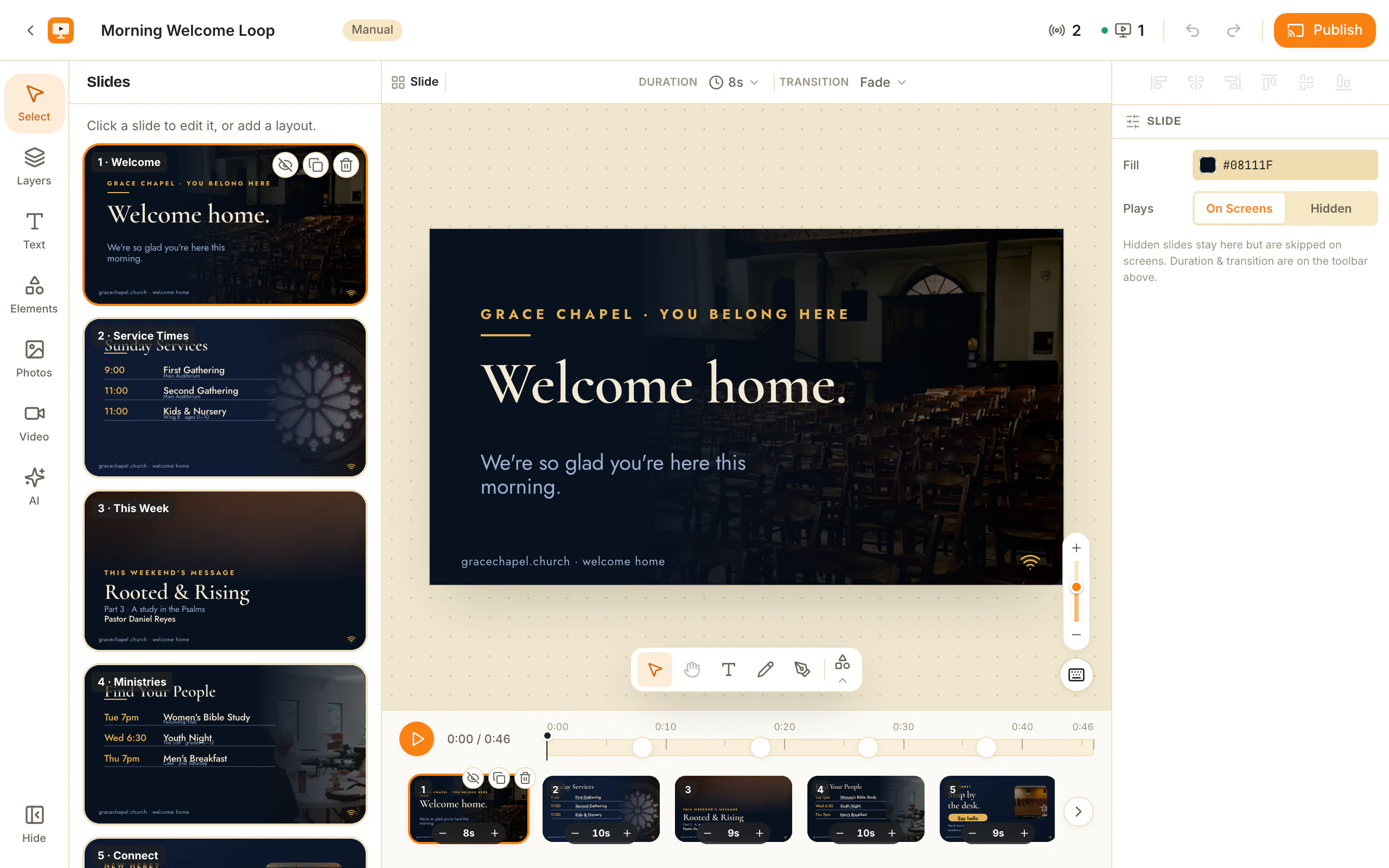
- Build — describe your show to AI for a full multi-slide draft, or fine-tune in a Canva-style editor.
- Publish — push to a screen instantly, or schedule it on a channel. Edit once; it airs everywhere.
No provisioning. No library. No playlist theory. The first time you use ChannelOS, you are publishing — not configuring.
Why this matters now
Screens are everywhere and the people responsible for them are not AV professionals. They’re running a shop, a clinic, a gym, a break room. The tool that wins for them isn’t the one with the most features — it’s the one that gets out of the way.
ChannelOS is our bet that signage should feel less like deploying software and more like sending a text.
Open the player on a TV, scan the code, publish a show. That’s the whole demo.
Frequently asked questions
- How long does it take to get a screen live with ChannelOS?
- About two minutes. You open one URL on the TV, scan the pairing code with your phone, and publish a show. There is no player box to buy and no account to create on the device itself.
- Do I need technical skills to use ChannelOS?
- No. ChannelOS is built for shop owners, café staff, clinic receptionists and office managers — not AV technicians. You describe what you want and AI drafts the slides; the editor is there only when you want the last 10%.
- What hardware does ChannelOS need?
- Any TV or device with a web browser — Android TV, Google TV, webOS, Fire TV, or a browser on a stick. There is no dedicated media player to buy or provision.
Your screen is two minutes away.
Pair one screen now and judge it by Monday.
Free screens show a ChannelOS banner, and about every 2 minutes it opens into a full ChannelOS slide; any paid plan removes both.